Article pages
Use semantic headings, descriptive titles, readable typography, captions, alt text, and keyboard-friendly controls.

Inclusive journal access
The journal aims to make article pages, PDFs, figures, tables, forms, navigation, and editorial workflows usable by people with different visual, auditory, motor, cognitive, and technological needs. Accessibility is treated as part of publication quality rather than an optional add-on.
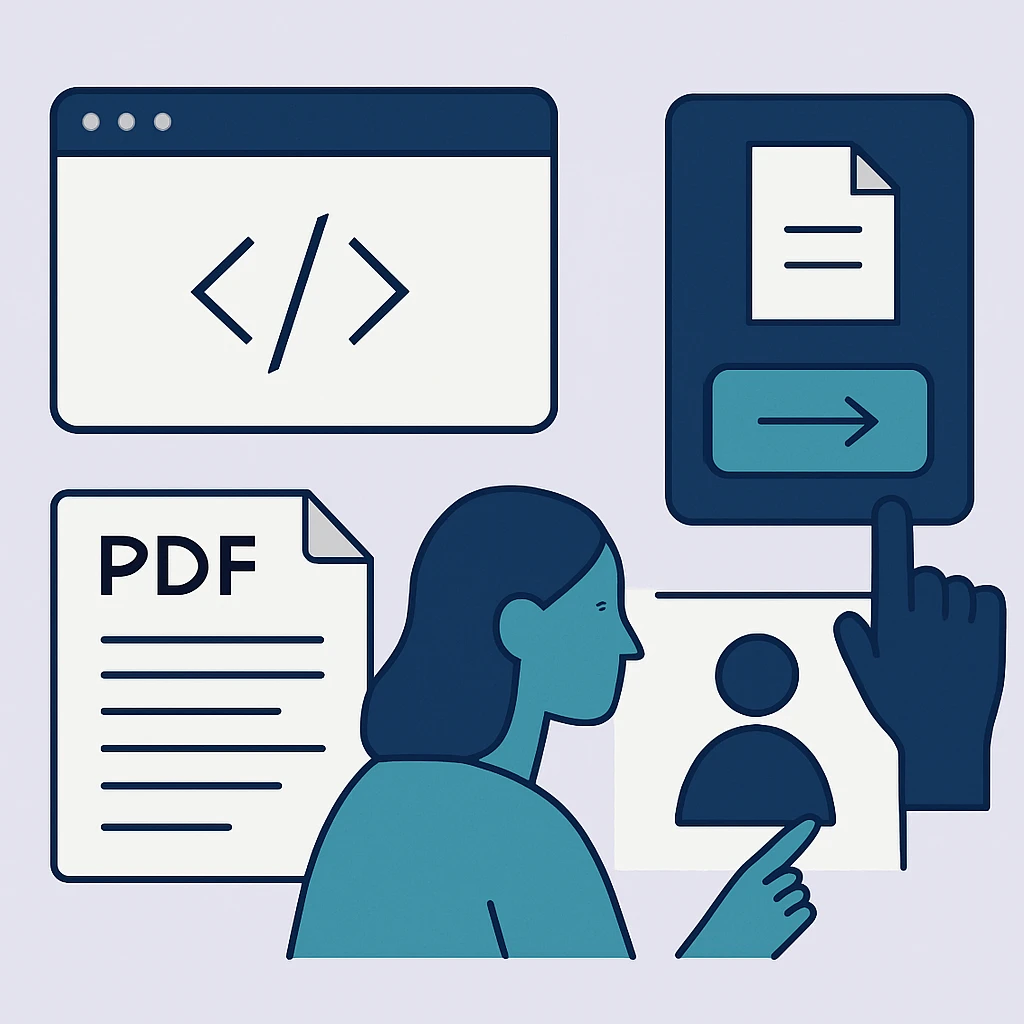 journal accessibility statement

Authors should use meaningful heading structure, descriptive link text, readable tables, sufficient contrast, and text alternatives for informative figures. Editorial and production checks should preserve those features in the published HTML and PDF.
Forms need visible labels, keyboard access, clear instructions, understandable errors, and logical focus order. Documents should not rely on color alone to communicate meaning.
Key routes
Each route connects to the record or policy needed for the next decision.
Use semantic headings, descriptive titles, readable typography, captions, alt text, and keyboard-friendly controls.
Provide tagged structure, searchable text, reading order, bookmarks where useful, and understandable visual descriptions.
Support keyboard navigation, visible focus, labeled inputs, status messages, and error recovery.
Practical detail
A useful report identifies the page or file, the task you were trying to complete, the assistive technology or browser involved when relevant, and the barrier you encountered.
When an immediate fix is not possible, the journal should offer an accessible alternative for the requested content or task and track the underlying correction.
Common questions
Not adequately. A readable text layer, structure, and appropriate tagging are needed for reliable access.
Decorative images can use empty alternative text when they convey no information, while informative images need meaningful descriptions.
Use the contact route with the exact article or page and describe the format or access barrier involved.
Sources
These external resources provide additional policy or practice context. The journal’s own published policies govern its workflow.
A precise accessibility report helps the journal provide an alternative and correct the source.